Why FEN matters more than it first appears
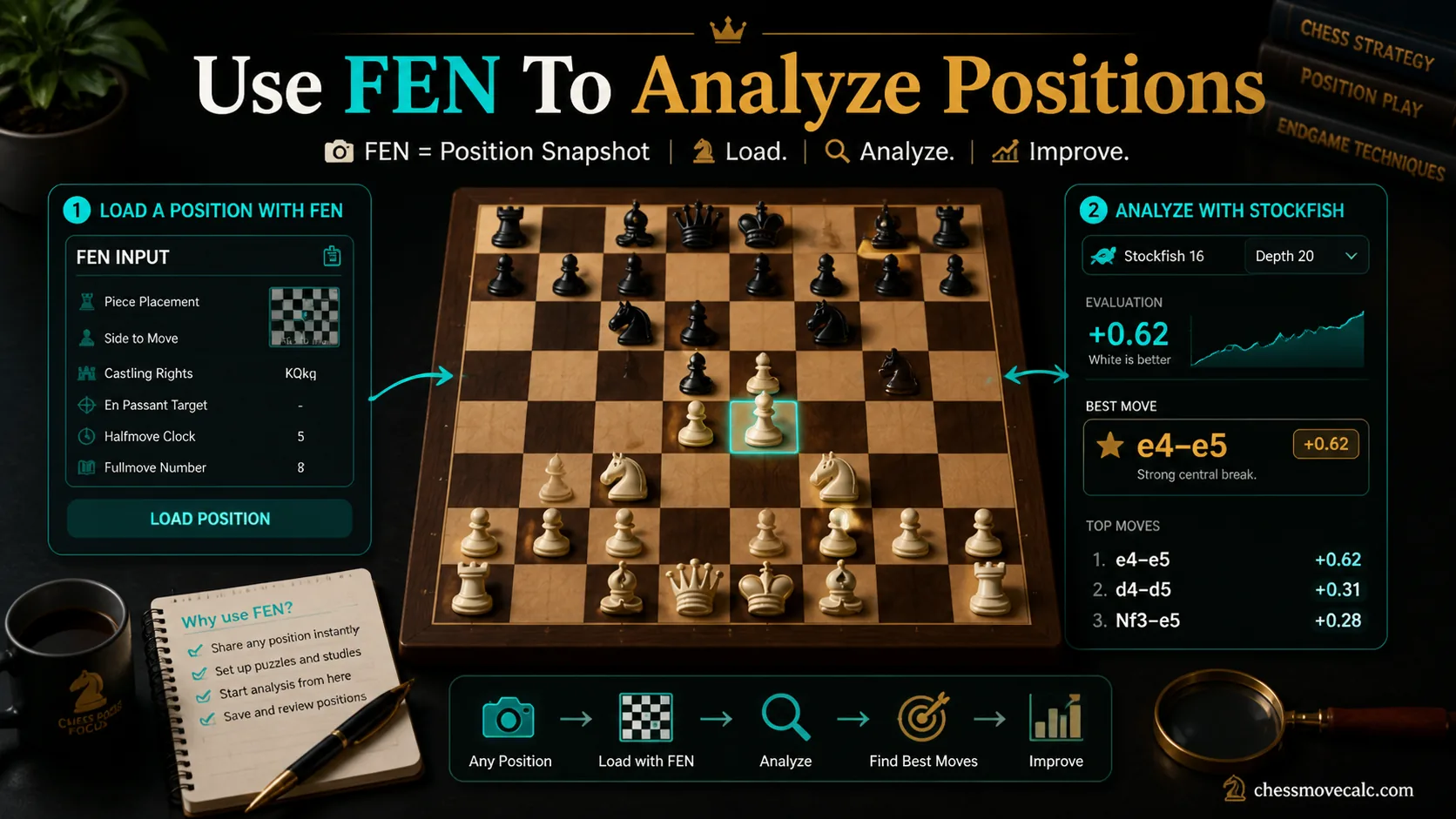
FEN turns a board position into a portable string you can copy, paste, store, and analyze anywhere.
Many FEN-related searches revolve around next chess move FEN, stockfish online FEN best move, online chess FEN analyzer best move, and related input-heavy queries. That tells us something important: players do not just want general engine explanations. They want the fastest possible path from a position they see on screen to a board the engine can analyze correctly.
FEN is that path. It stands for Forsyth-Edwards Notation, and it describes one exact position using text. Instead of replaying every move from the start of the game, you can paste a single string and instantly recreate the board, the side to move, the castling rights, and other state details that matter to the engine. That makes FEN one of the most practical formats in everyday chess study.
It is also one of the most misunderstood. Some beginners think FEN stores a full game like PGN. Others paste a FEN string without realizing the side to move is wrong, then wonder why the engine suggests nonsense. Others manually rebuild a position piece by piece when a clean FEN copy would have saved time and prevented a mistake. A definition helps, but most players also need a practical “copy, paste, verify, analyze” workflow.
That practical gap is what this page focuses on. You will learn what each field means, when FEN is better than PGN, how to grab a FEN from sites like Chess.com and Lichess, and how to use that string inside a tool such as the ChessMoveCalc next move solver. The goal is not to memorize jargon. The goal is to analyze positions faster and more accurately, then review material, king safety, and piece activity from the correctly loaded board.
This article also has a clean intent boundary. It is not the main notation page, and it is not the Stockfish literacy page. If you need broad notation help, go to Chess Notation Explained. If you want to interpret engine depth and evaluation after loading a position, go to the Stockfish output guide. Here we stay focused on one job: using FEN input properly.
That focus is useful because each step in the workflow has a different failure point. This page handles position input and validation. The notation pages handle reading move text. The Stockfish pages handle engine usage and output. Separating those jobs keeps the learning path much easier than one overloaded “everything about chess formats” article.
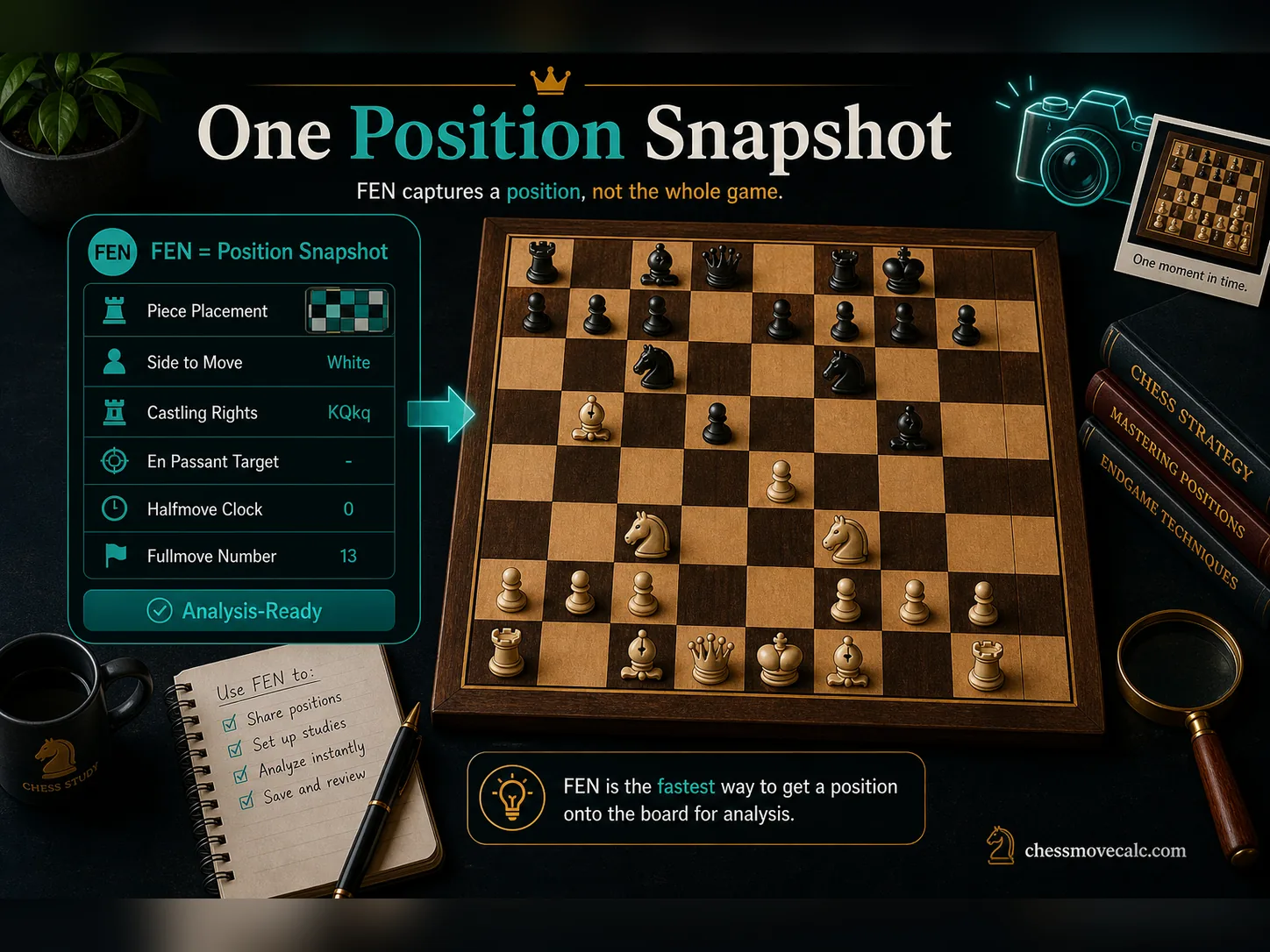
PGN is a movie. FEN is a snapshot. For many analysis tasks, the snapshot is exactly what you need.
What FEN is and why players use it
FEN is a compact text description of one exact position on the board. That means the arrangement of pieces, whose turn it is, and several extra status details are all stored in one line. It is not meant to replace full game notation. It is meant to recreate one moment accurately.
That makes FEN useful in everyday scenarios. You can save a puzzle position, send a study position to a friend, load an opening tabiya into an engine, or recreate a critical middlegame after a game ends. If your goal is chess analysis FEN or quick “what is the best move here?” work, FEN is usually faster than replaying moves from memory.
It is especially valuable when the board state matters beyond the piece layout. A rook and king on their original squares are not enough to know whether castling is legal. A pawn structure alone does not tell you whose move it is. FEN captures those details, which is why engines trust it.
Practical rule
If you only need one position, reach for FEN. If you need the whole move history, reach for PGN; for the side-by-side format choice, use the FEN vs PGN guide.
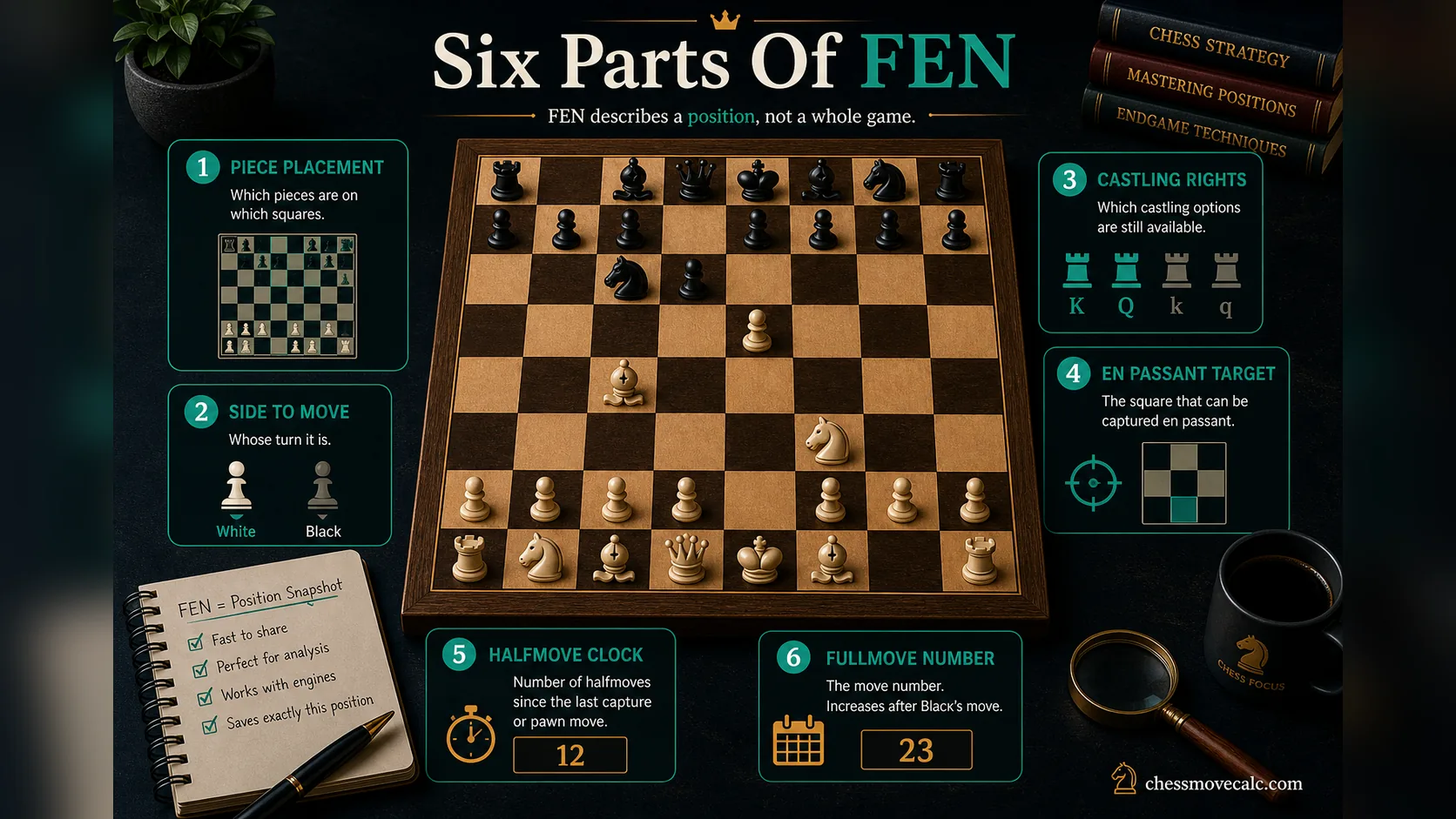
The six-field structure is the heart of FEN. Once you understand it, the format stops looking random.
The 6 parts of a FEN string explained in plain language
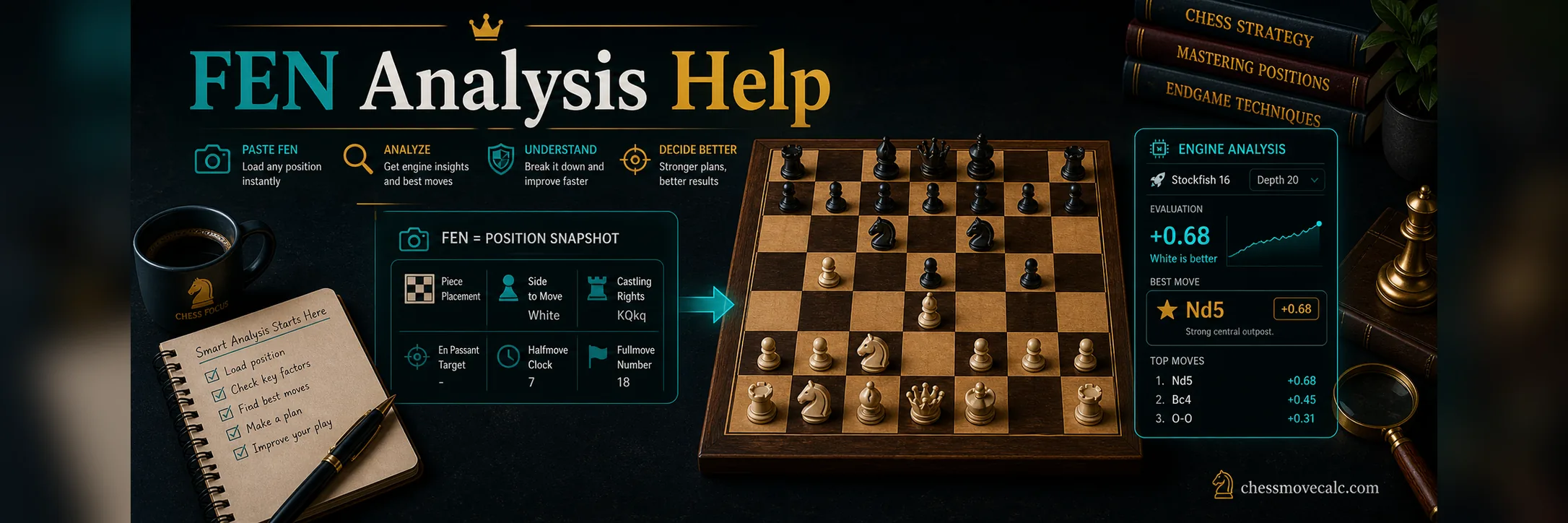
Competitor guides are correct that FEN contains six fields, but many readers still leave without knowing how to use them. So let us translate the structure into plain English. The first field is the piece placement section. It lists the board rank by rank, using letters for pieces and numbers for empty squares. Uppercase letters are White pieces and lowercase letters are Black pieces.
The second field is the active color, meaning whose turn it is. This is usually written as w for White or b for Black.
It is one of the easiest fields to overlook and one of the most damaging to get wrong. The exact same board with the wrong side to move can create a completely different best move,
tactic, or mate sequence.
The third field records castling rights. This tells the engine whether White can castle kingside or queenside and whether Black can do the same. Even if the rooks and kings still look untouched, the rights may already be gone because one of those pieces moved earlier in the game. This is why recreating a position visually is not always enough for accurate engine analysis.
The fourth field is the en passant target square. Most of the time this field is a dash, because no en passant capture is available. But when it does matter, it matters immediately. If that square is wrong, the engine may believe a tactical resource exists when it does not, or ignore one that does.
The fifth field is the halfmove clock, which tracks moves since the last pawn move or capture for draw-rule purposes. The sixth field is the fullmove number, which records the move count in the game. These two fields matter less for ordinary one-position best-move checks, but they still belong in a correct FEN string and can matter in some interfaces or rules-sensitive contexts.
That is the big mental shift: FEN is not merely a board diagram compressed into text. It is a state description. Once you see it that way, the extra fields stop feeling like annoying technical baggage and start feeling like the exact reason engines can trust the position you loaded.
Fast validation habit
When a FEN looks suspicious, check three fields first: piece placement, side to move, and castling rights. Those cause the most beginner errors.
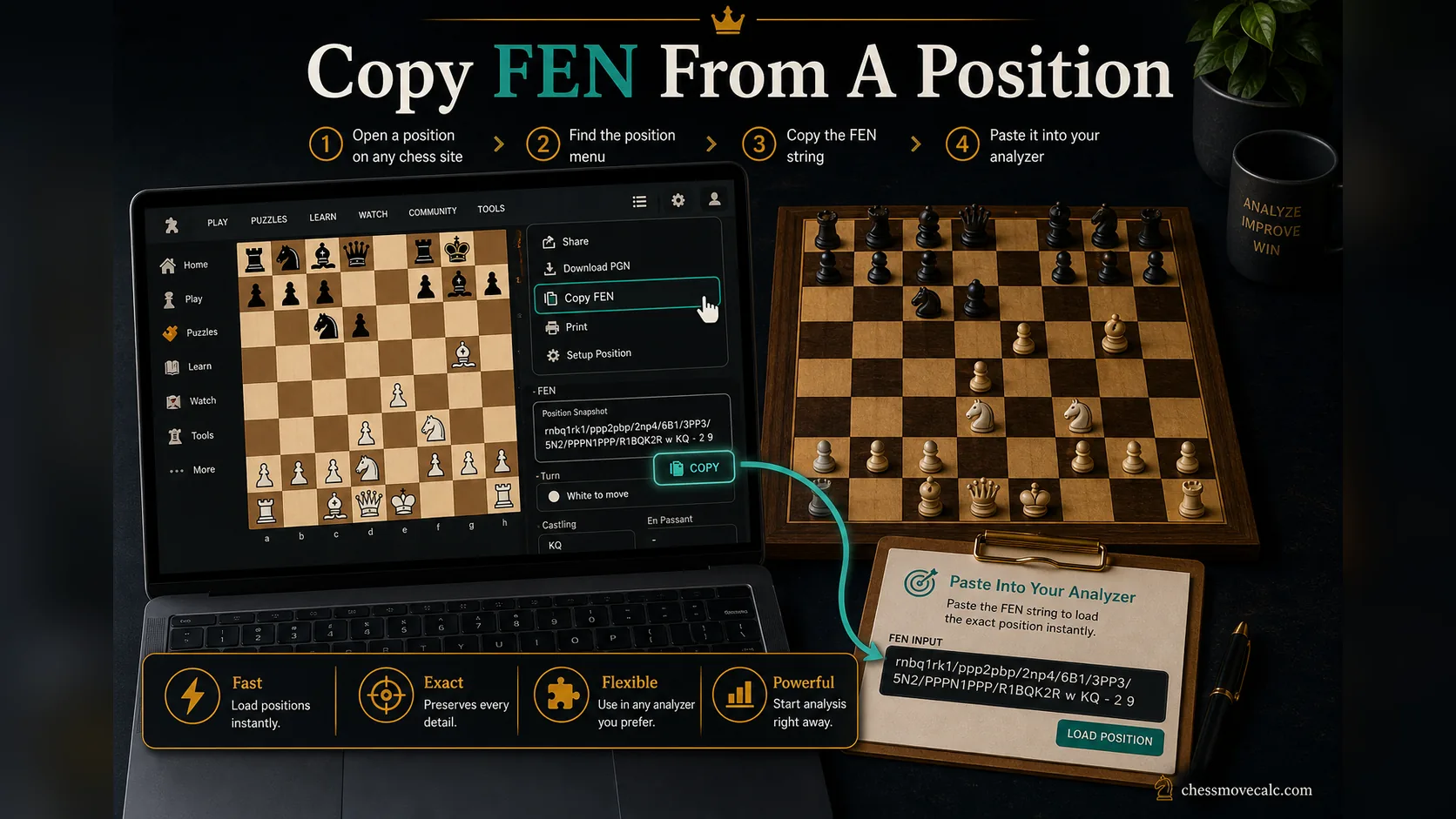
If a site already knows the position, copying the FEN is safer than rebuilding the board from scratch.
How to get FEN from Chess.com, Lichess, and other chess sites
Most modern chess platforms already expose FEN somewhere inside an analysis board, study view, board editor, export menu, or share panel. On sites like Chess.com and Lichess, the exact button placement can change over time, but the logic is similar: open the position in analysis or board-edit mode, then look for copy, export, share, or position options.
If the site provides a board editor, that is often the cleanest place to copy the position string. If it provides PGN but not obvious FEN, move into an analysis view first. The important point is that copying the platform's own FEN is safer than re-entering the position manually. That reduces the risk of wrong piece counts, wrong kings, or forgotten castling rights.
This is also the best answer to many awkward long-tail FEN searches. Whether someone is trying to solve a puzzle, export a puzzle-like position, or load a board from a site into an engine, the workflow is fundamentally the same: find the source position, copy the FEN, paste it into the analyzer, then verify that the loaded board matches the original before trusting the output.
If a platform does not expose the FEN immediately, try the board editor or a deeper analysis view before rebuilding the position by hand. Letting the site generate the string is usually safer than guessing whether a rook has moved earlier or whether an en passant target still exists.
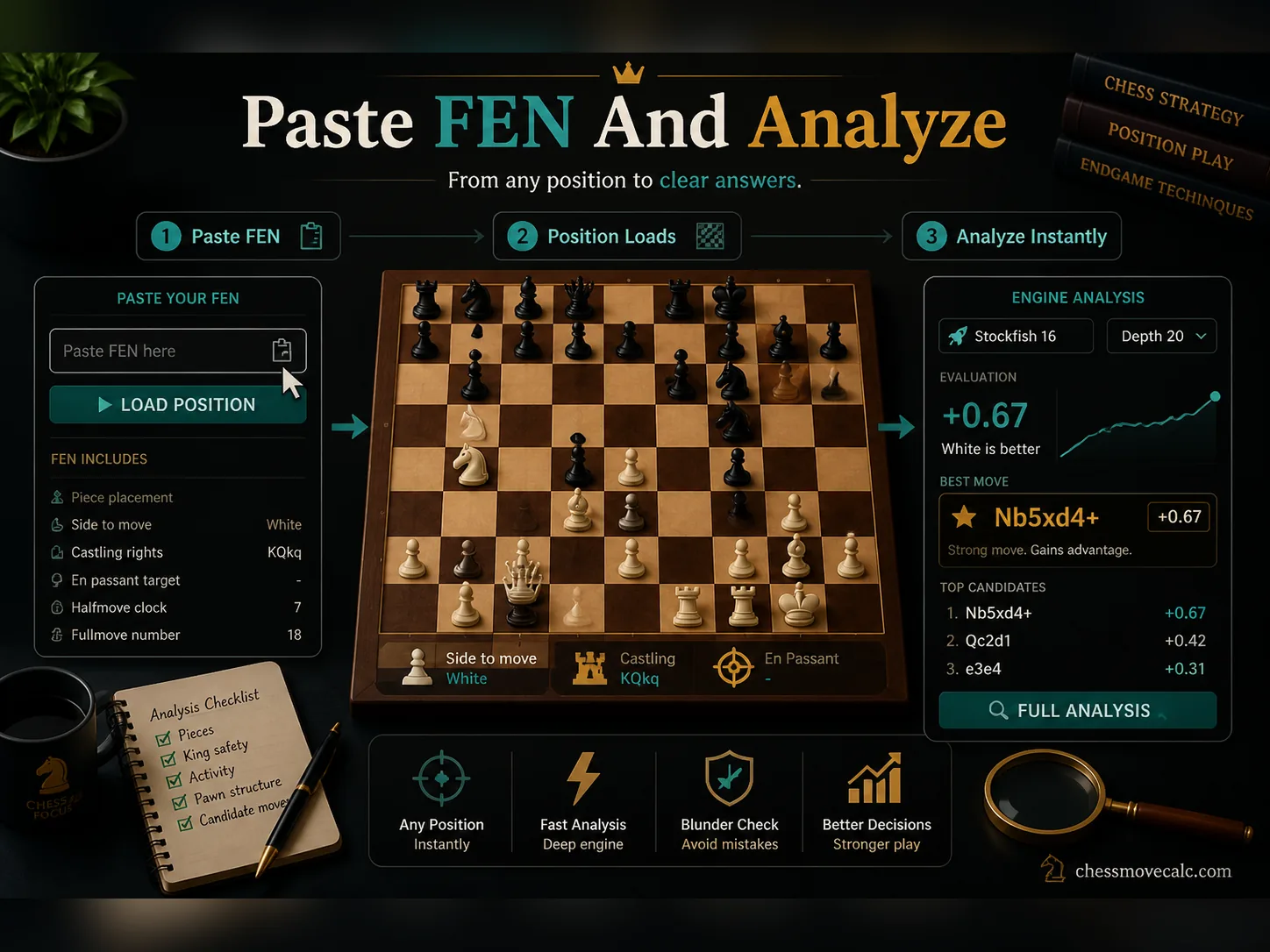
A good FEN workflow is short: paste, load, visually verify, analyze, then read the best line.
How to paste FEN into a calculator and analyze the position
Once you have the string, paste it into a tool that accepts FEN input. On ChessMoveCalc, the simplest path is to use the homepage solver and load the exact board state before running analysis. If your position came from messy move text first, you can also use the notation converter as part of a cleanup workflow before or after the FEN step.
The one habit that saves the most time is visual verification. After you paste the FEN, do not instantly trust the engine. First check the board. Are the pieces where they should be? Is the side to move correct? If the position depends on castling or an en passant detail, make sure those conditions survived the import. A five-second check is cheaper than analyzing the wrong position for five minutes.
Once the board is correct, your normal analysis habits take over. Look at the best move, the evaluation, and the line. If you are new to reading those outputs, pair this workflow with How to Use Stockfish Online and the deeper guide to depth, evaluation, and PV.
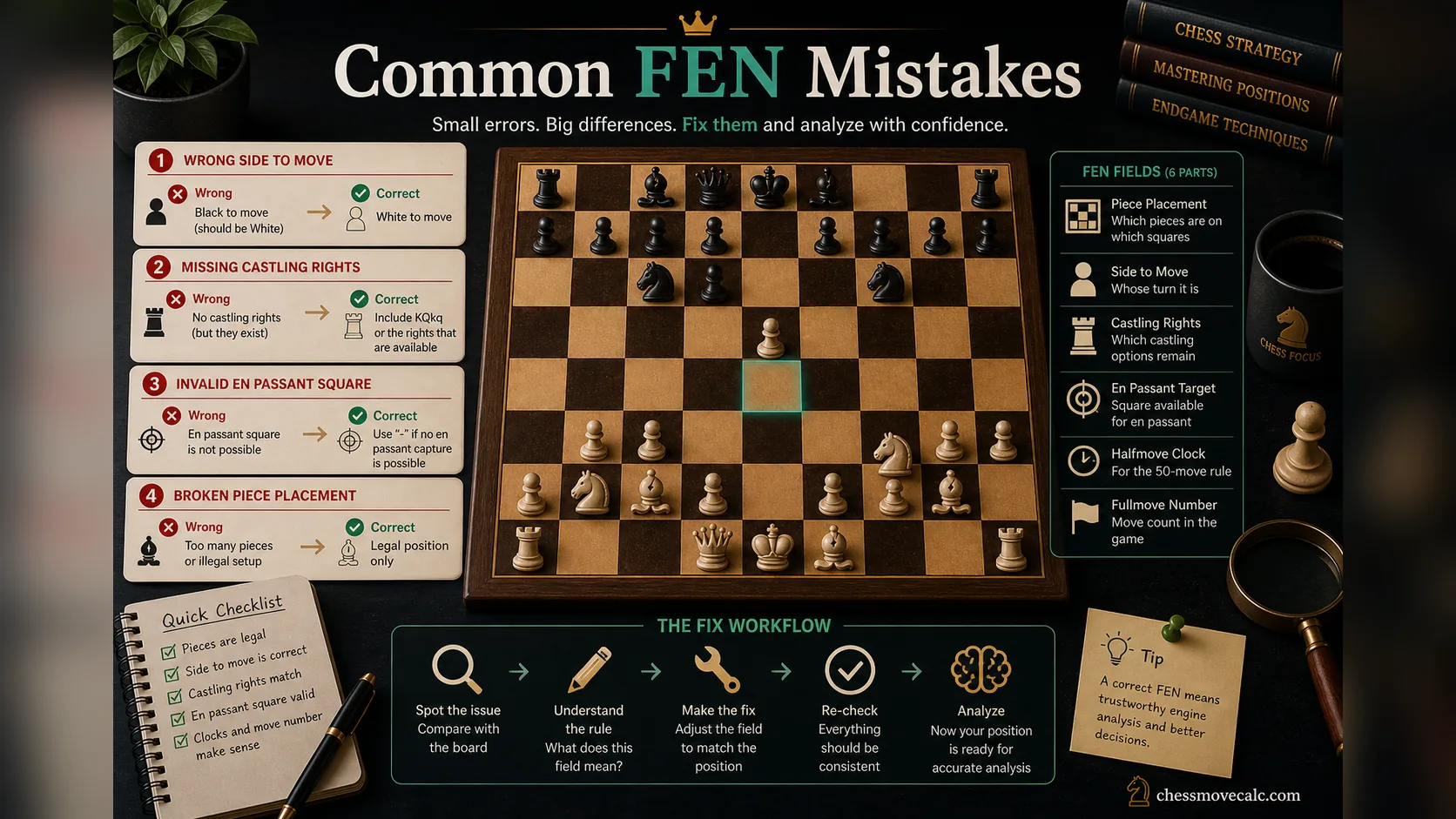
Most “the engine is wrong” complaints are really FEN-input problems in disguise.
Common FEN mistakes that break analysis
The biggest FEN mistake is the wrong side to move. It looks tiny in the string, but it changes everything. If a tactic only works because it is White's turn, loading the same board with Black to move destroys the entire point of the position. Always check this field before assuming the engine is crazy.
The second common issue is bad rank math in the piece-placement field. Each rank must add up to eight squares, counting both pieces and number gaps. If the counts are broken, the FEN may fail entirely or create a board you did not intend. Third is incorrect castling rights. Players often copy a visually correct board but forget that a king or rook moved earlier, so the legal rights are not what the board “looks like.”
Another subtle issue is the en passant field. Many users never think about it because the field is usually a dash. But when an en passant capture is legal, that detail belongs in the FEN. Leaving it out can remove a real tactical defense or attack. Finally, some interfaces accept malformed strings in inconsistent ways, so if the position looks wrong, strip the problem down and validate the six fields one by one.
- Wrong side to move causes the largest analysis errors.
- Broken rank counts often come from manual edits to the piece-placement field.
- Castling and en passant details matter even when the board looks visually correct.
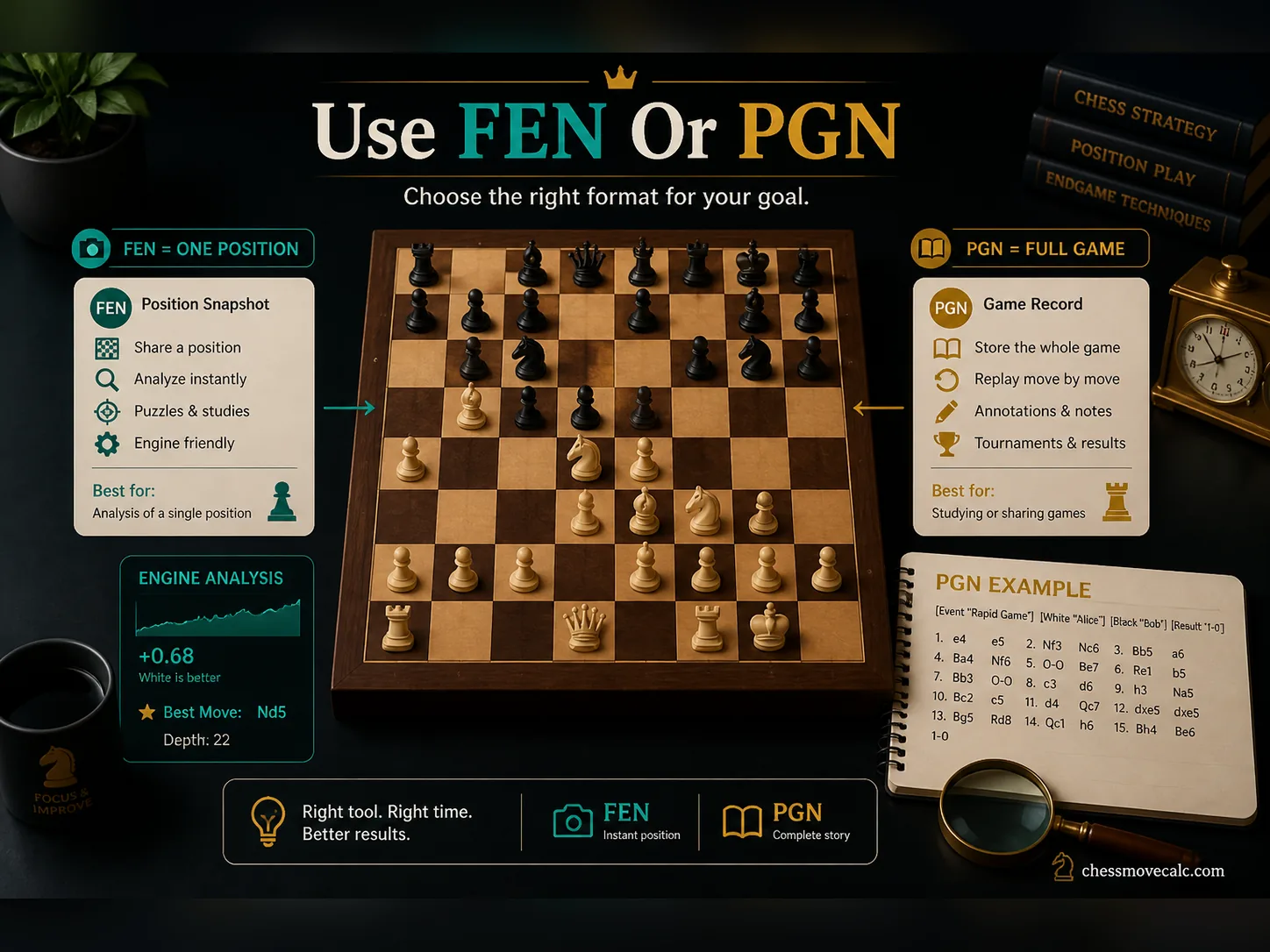
FEN is the better tool for one moment. PGN is the better tool for the whole story.
When FEN is better than PGN and when it is not
FEN is better when your task starts with one exact position. That includes checking a tactic, saving an opening tabiya, sharing a puzzle, or loading a critical position into an engine. It is fast, compact, and focused. You do not need the full move history if the only question is, “What is going on in this position right now?”
PGN is better when the move history matters. If you want to study opening choices, review the flow of a full game, replay an endgame transition, or understand how a position was reached, PGN is the correct format. That is why strong study workflows often use both formats: PGN for the complete score, FEN for the exact snapshot you want to isolate and examine more deeply.
The best way to think about it is simple. PGN tells the story. FEN captures the still frame. When your analysis question is local and position-specific, the still frame wins.
That makes FEN especially efficient for training files, opening snapshots, tactical tests, and “save this position for later” workflows. PGN remains the better choice when history matters, but FEN is often the sharper instrument when the instructional value lives inside one exact moment.
FEN FAQs
What does FEN stand for in chess?
FEN stands for Forsyth-Edwards Notation, a text format for storing one exact chess position.
Why does side to move matter in FEN?
Because the same board position can have a completely different best move depending on whose turn it is.
Can FEN store a whole game?
No. FEN stores a single position snapshot. PGN is the format used for a full game record.
What is the en passant field in FEN?
It records a possible en passant target square if that special capture is currently available.
Why does my FEN load the wrong position?
The most common causes are wrong side to move, broken rank counts, or incorrect castling rights.
Is FEN better than PGN for engine analysis?
For one exact position, yes. For the full history of the game, no.
Paste a FEN and analyze the position now
Use the solver to load an exact board state, then compare your own read with the engine's best line.