Choose by the job you need to do
If your question is “what should White play here?”, load a FEN into the next-move calculator. If your question is “what does g1f3 look like in a score sheet?”, use the notation converter: it returns Nf3 in the starting position. If you want to review where a whole game went wrong, load its PGN and examine the critical positions.
Stockfish is the engine doing the search. The website or desktop app supplies the board, controls, and output. Two tools can use the same engine and still differ in time limits, interface features, and the information they display.
Why these three terms confuse so many players
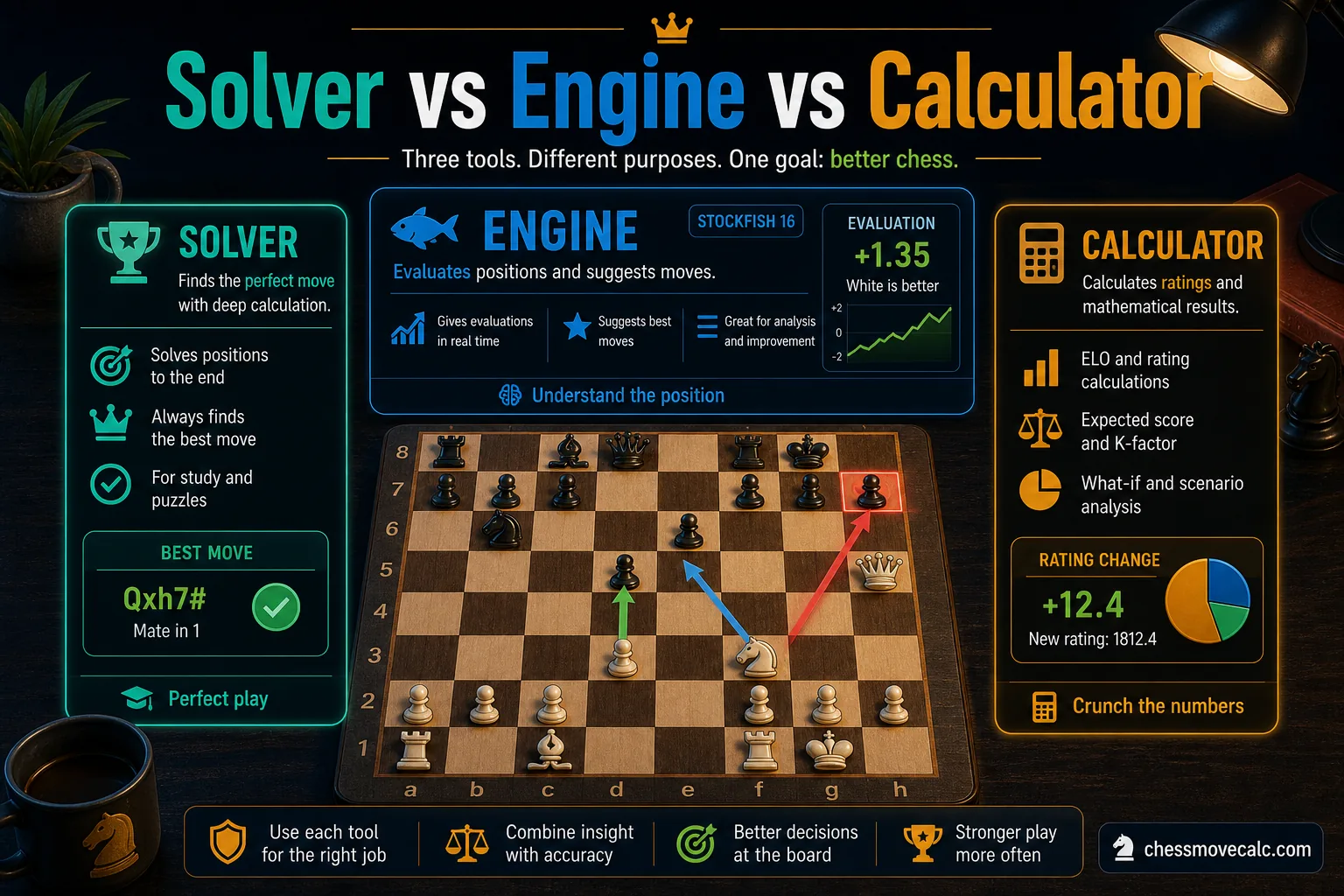
Most players do not need more jargon. They need a clean map of which tool does what and which one fits their task.
Players often use chess solver, chess move solver, chess engine, stockfish calculator, and chess engine online as if they mean the same thing. That is understandable, but it can also make tool choice confusing when you just want a clear next step.
The fastest way to become useful is to be precise. A chess engine is the calculation core. A chess calculator is the interface layer that makes the engine practical. A chess solver is usually the user’s intent word for a tool that solves a position, finds a move, or untangles a tactical problem. Sometimes one product can be all three at once, but the terms still describe different roles.
This guide gives each term a clear job so you can choose the right workflow faster. Our homepage is the chess calculator experience for actual move finding. Our next move calculation guide teaches how to think before using a tool. This article sits between them by explaining the terminology, the workflow, and the right entry point for each user type.
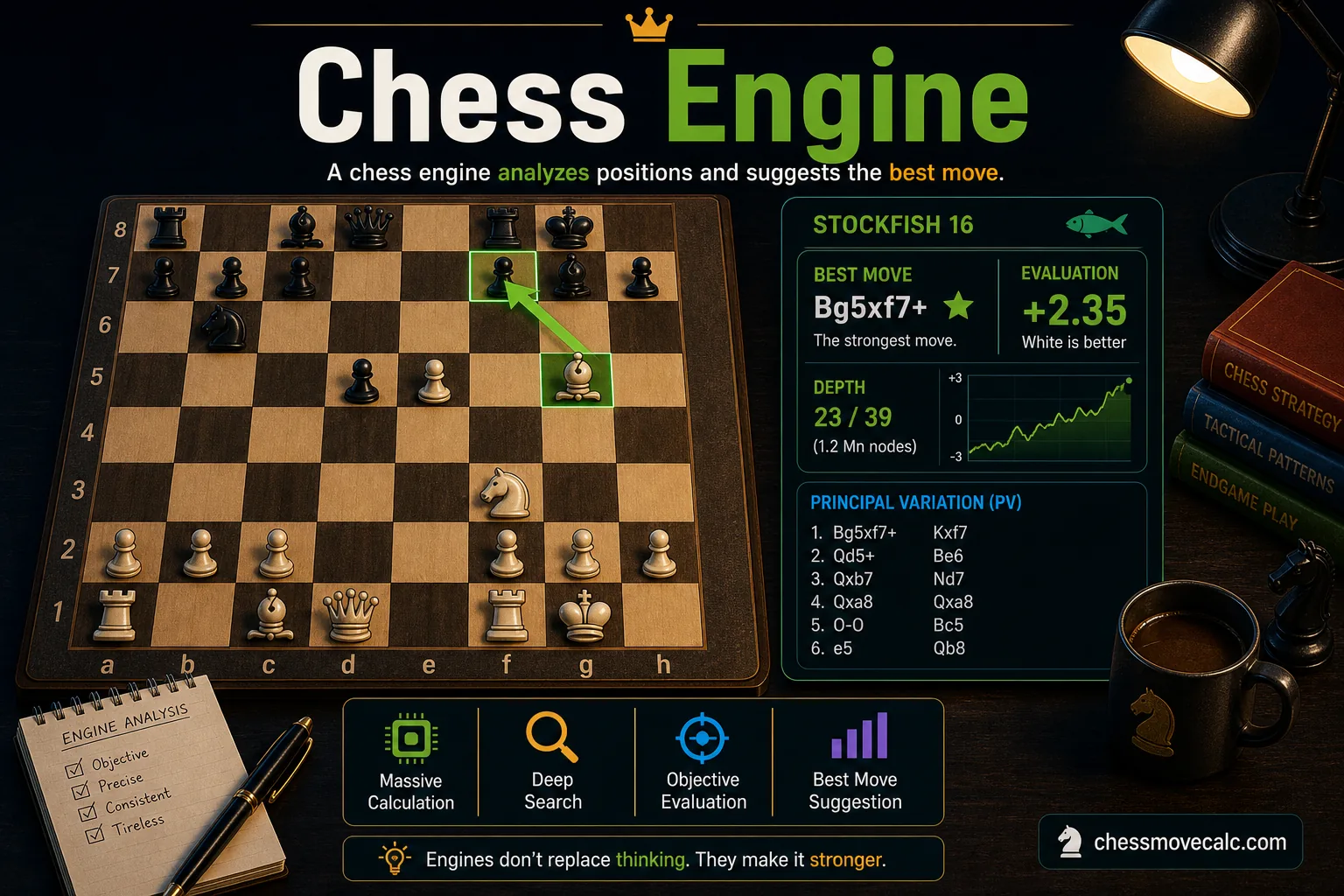
A chess engine is the calculation core: search, evaluation, depth, and principal variation.
What a chess engine actually is
A chess engine is the analytical core that calculates chess positions. It takes a board state, searches move trees, scores resulting positions, and returns outputs such as best move, evaluation, depth, and principal variation. Stockfish is the best-known example, but it is not the only one. Engines such as Leela Chess Zero and Komodo have also shaped modern analysis culture.
The key idea is that an engine does not need a polished visual board to exist. At its core, it is not a teaching article or a glossy user interface. It is a calculating system. Give it a position and rules, and it will search. That is why the term chess engine online usually refers to engine power exposed through a web interface, not to a fundamentally different type of software.
Engines are strongest when you need objective calculation: tactical verification, best-move search, endgame precision, opening line checking, or full-game annotation. But they can also mislead weaker players if used without context. An engine's top line might be objectively strongest while still being too hard to execute in a blitz game. That is why engines are powerful, but not always beginner-friendly by themselves.
Important engine outputs
Learn these terms early: evaluation, depth, principal variation, candidate move, best move, and side to move.
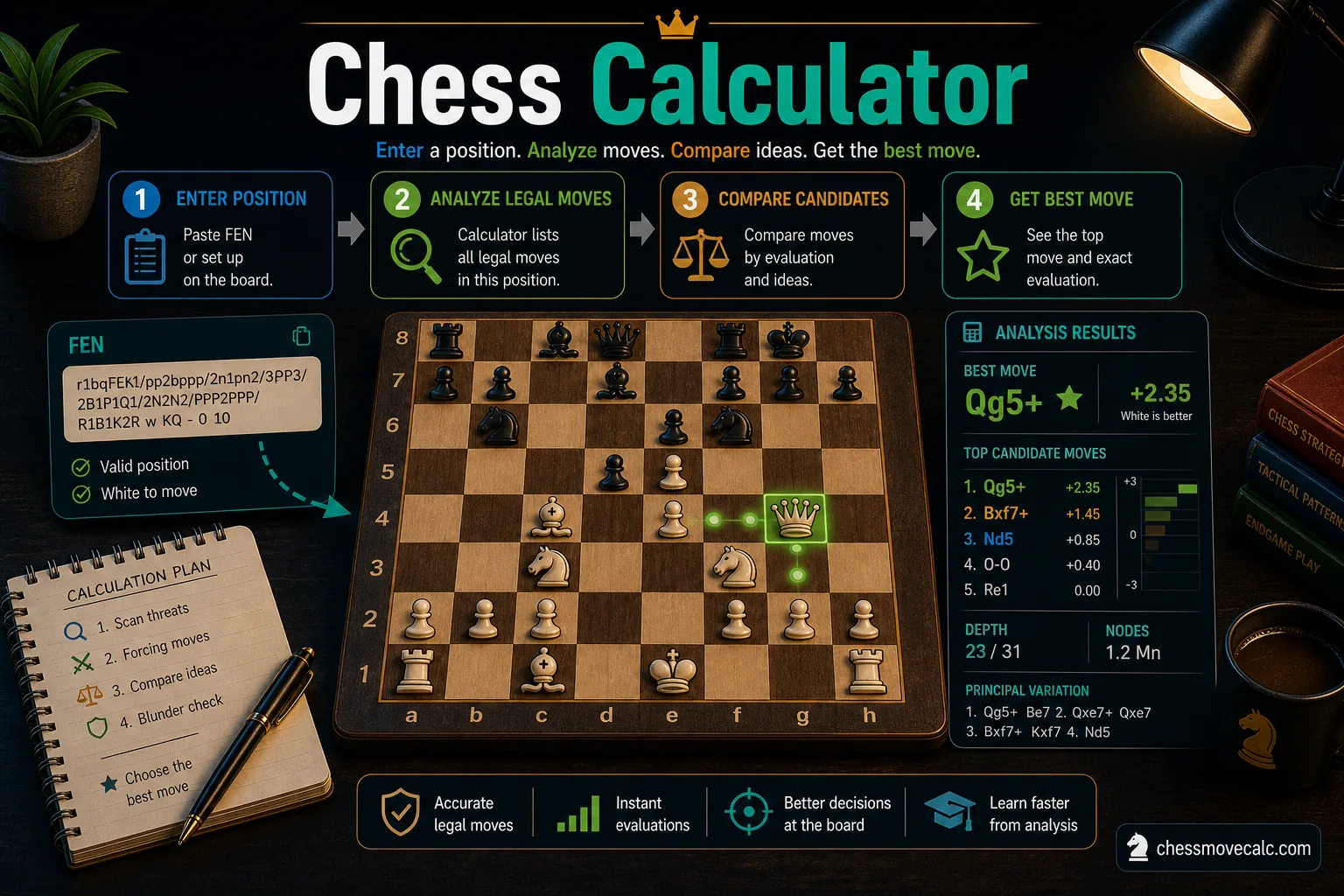
A calculator wraps engine strength in a board-first interface that ordinary players can use quickly.
What a chess calculator is
A chess calculator is the player-friendly interface around engine calculation. It usually includes an interactive board, easy setup controls, maybe a FEN input box, and a result panel that shows the recommended move and evaluation. In other words, the calculator is what many players actually want when they search for help. They do not want raw engine architecture. They want a tool they can use in seconds.
A Stockfish calculator combines the engine with a usable board. Paste a position, verify whose turn it is, calculate, and examine the replies. On the ChessMoveCalc calculator, you can also import a PGN game, compare three candidate lines, and review a continuation without changing your game.
Calculators are especially valuable for beginners and casual improvers because they lower the barrier to entry. You do not need a local engine install, command line knowledge, or a separate GUI. You need a good board, good output, and clear instructions. That is why most casual “chess solver” searches are better matched by a calculator than by a raw engine definition page.
Why calculators win for usability
They are faster to use on mobile, easier to read, and safer for beginners who might otherwise confuse engine jargon with decision-making.
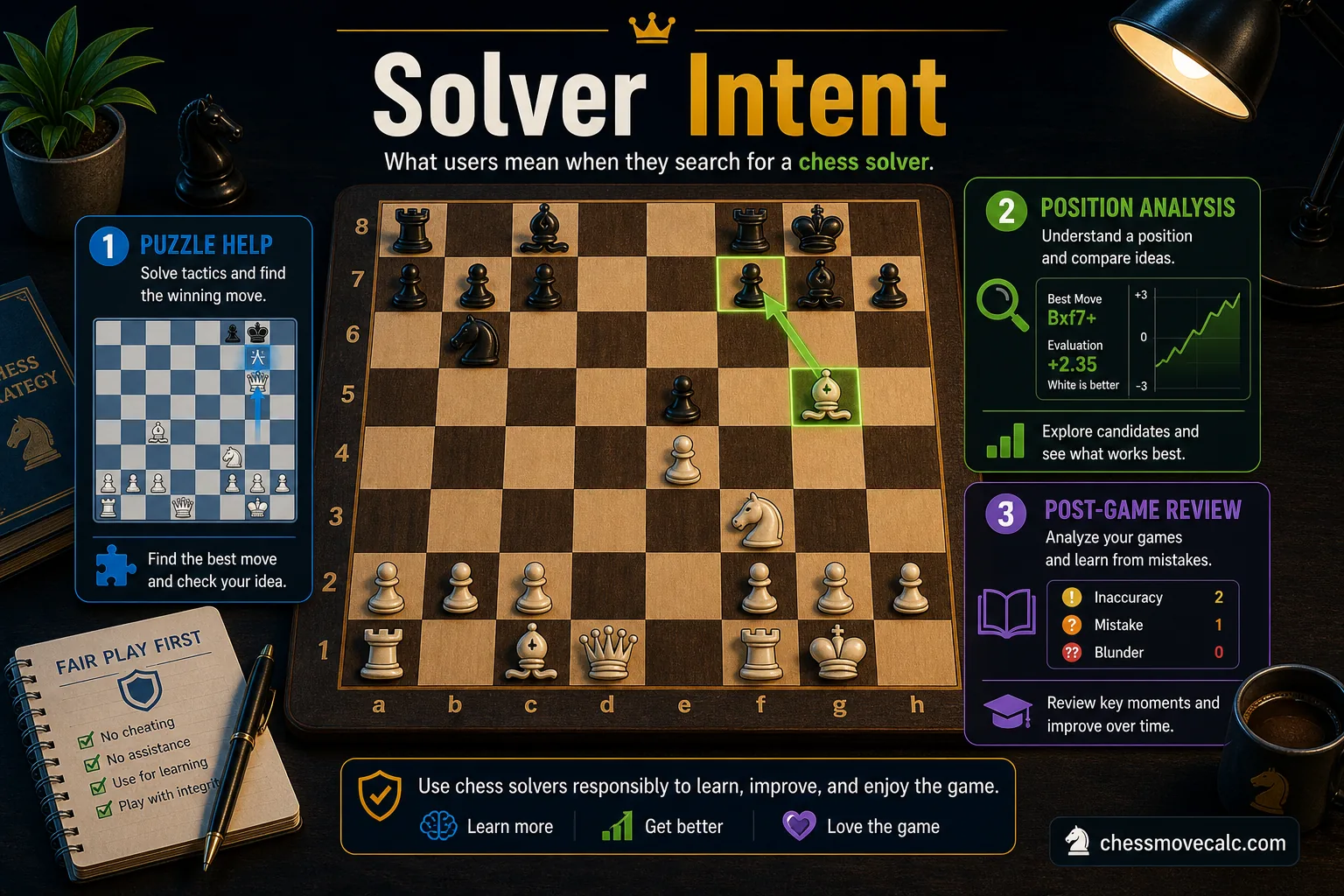
“Chess solver” is usually an intent word. Users want a position solved, not a lecture on software architecture.
What people mean when they search for a chess solver
When someone types chess solver or chess move solver, they usually mean one of three things. First, they want the best move in a live or study position. Second, they want to solve a puzzle or tactical sequence. Third, they want rescue-level guidance in a confusing position where they feel lost. In each case, “solver” describes the desired outcome: solve the problem and show me the right direction.
This is why the term overlaps so heavily with calculators. A solver page often behaves like a calculator page because the user’s need is move finding. It may also overlap with analysis pages if the user wants more explanation after the move appears. The important point is that “solver” is not a rigid technical category. In reality, it is a user-language shortcut for “give me the answer to this position.”
In practice, that matters a lot. A good solver workflow should not just define the term. It should route you correctly. If they want a single best move, send them to the calculator. If they want to understand the reasoning, send them to the best move guide or the next move calculation guide. If they are cleaning notation or converting formats, send them to the notation converter.
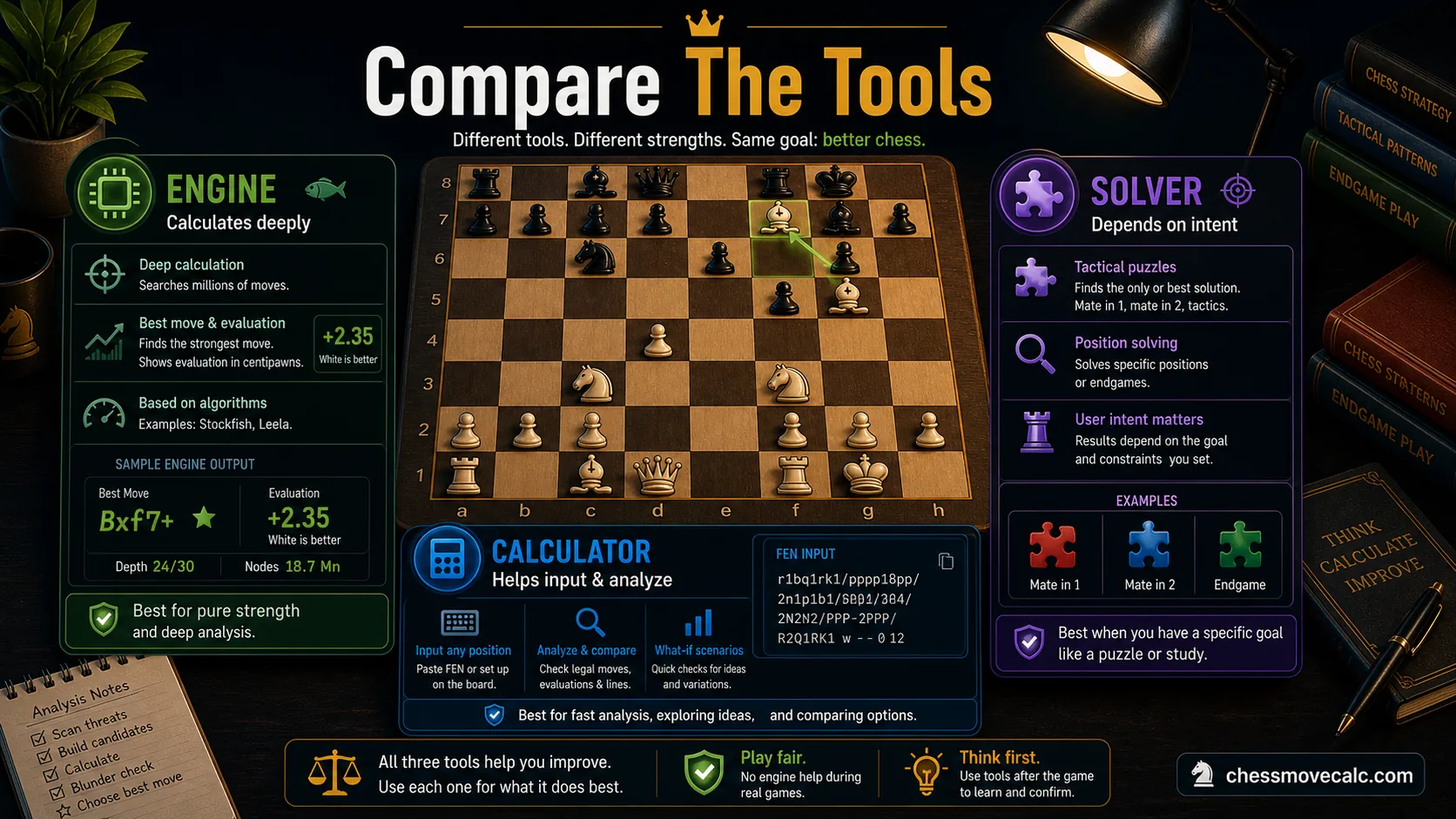
The quickest way to choose the right tool is to compare input type, output type, and best use case.
Inputs and outputs compared side by side
Most confusion disappears once you compare what each tool accepts and what it returns. Engines are optimized for calculation. Calculators are optimized for usability. Solvers are optimized for intent clarity. In practice, one site may combine them, but the comparison below still tells you what layer is doing what.
| Category | Chess Engine | Chess Calculator | Chess Solver |
|---|---|---|---|
| Typical input | Board state, FEN, move list, parameters | Board setup, FEN paste, click-to-place pieces | Usually a board position or a puzzle-style task |
| Typical output | Best move, evaluation, depth, PV | Best move, readable evaluation, visible board feedback | Best move or “solution” framed around the user's question |
| Best use case | Deep analysis, verification, full-game review | Fast browser-based position analysis | Problem-solving and answer-oriented move search |
| Ease of use | Lower without a GUI | High for most players | High when the solver page is well designed |
Two terms deserve special attention here: FEN and PGN. FEN is a single-position snapshot, including side to move, castling rights, and en passant details. PGN is a game notation format that stores the moves of an entire game. If you confuse them, your analysis workflow breaks fast. That is another reason a good calculator or solver interface matters: it helps players input the right thing without technical friction.
The other output terms worth understanding are centipawn evaluation, depth, and principal variation. A raw engine may display them without explanation. A better calculator surfaces them in a way ordinary players can use. A solver-oriented page may simplify them further because the user's top priority is the answer. None of these layers is “better” in isolation. They are better or worse depending on whether you need technical detail, fast usability, or direct problem solving. That is the core distinction most competing pages leave fuzzy, and it is exactly why clear content on this topic earns trust.
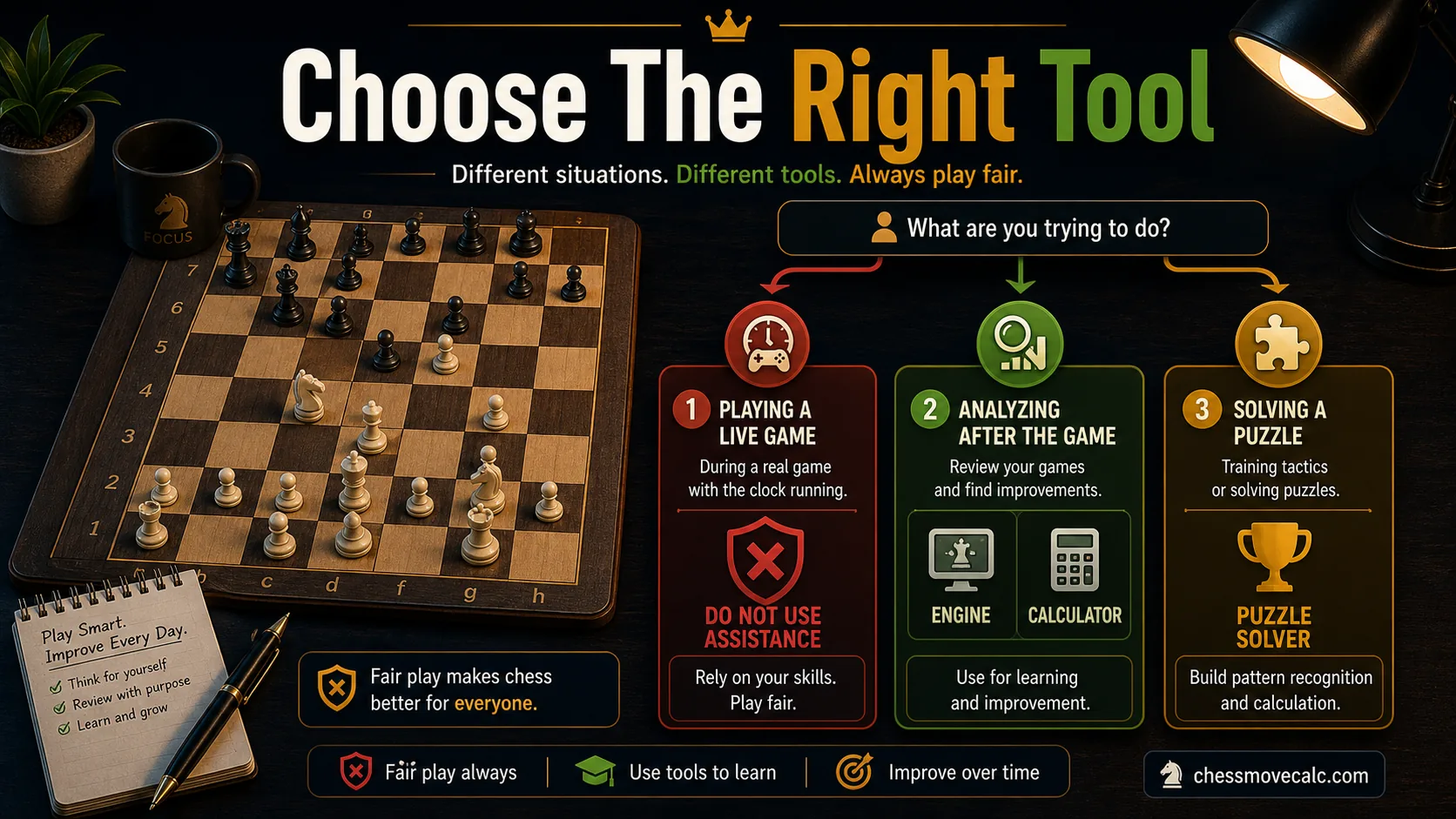
Choosing the right chess tool becomes easy when you anchor the decision to the exact task in front of you.
Which tool is right for each chess task
If your goal is to analyze a single position and find the strongest move fast, use a calculator. That is the cleanest route for users typing best move solver, stockfish calculator, or chess calculator. If your goal is reviewing a complete game, the engine still powers the insight, but you need a better workflow around PGN input and move-by-move navigation. That is where analysis boards and game-review tools matter.
If your problem is notation itself, do not force an engine to solve a formatting issue. Use the algebraic notation converter. If your goal is broad tool exploration, go to all chess tools. If you want practice instead of static analysis, use Play Chess Unblocked to pressure-test your decisions in real positions.
This distinction matters because the wrong workflow wastes time. The right workflow solves the task quickly, gives you the amount of explanation you need, and makes the next step obvious instead of forcing every chess-tool question into one vague page.
- Use a calculator for one-position best-move search and quick engine access.
- Use engine-driven review when you want deeper evaluation, multiple lines, or full-game context.
- Use solver-style workflows when the user's goal is “solve this position for me.”
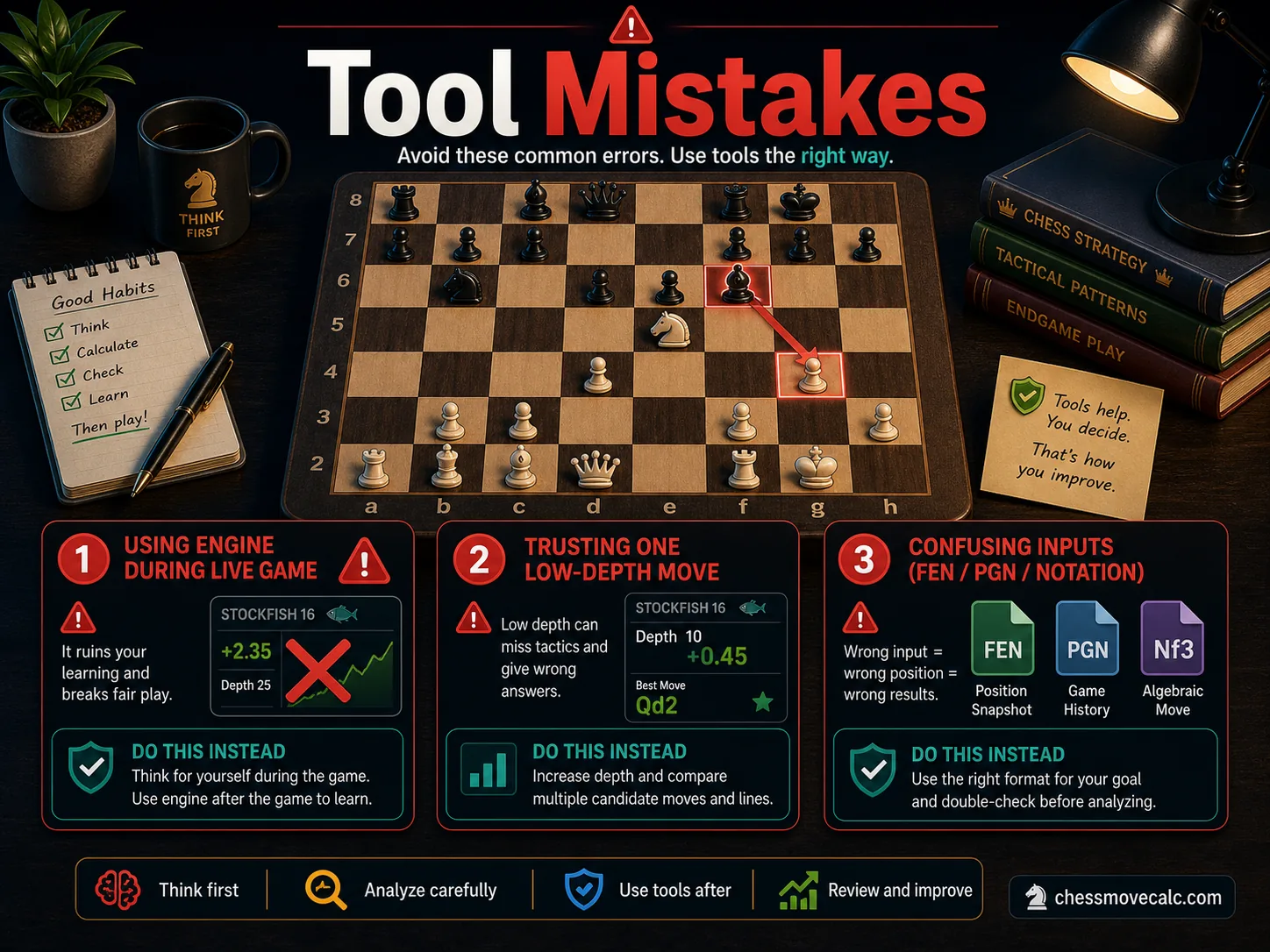
Most failed analysis sessions come from bad inputs or bad interpretation, not from weak software.
Common misunderstandings that waste time
The most common mistake is entering an illegal or incomplete position. If the side to move is wrong, the answer can be completely irrelevant. If castling rights are missing, the evaluation changes. If your puzzle setup omits a defender, the whole line becomes nonsense. That is why careful board input matters as much as engine strength.
Another frequent error is blind engine trust. Players see the top line, copy the move, and never ask why it works. This is especially dangerous in complex middlegames where the best move may rely on a tactical idea several moves later. A calculator is supposed to help you understand faster, not replace your thinking entirely. Our next move guide exists precisely to fix that habit.
Confusing FEN and PGN is also common. FEN is for one position. PGN is for a game record. If you paste a PGN into a field designed for FEN, nothing useful happens. And if you expect an engine page to act like a notation converter, you are using the wrong layer of the stack. Clear tool boundaries are not just semantic. They save real time and reduce frustration.
One habit that prevents most errors
Before you click analyze, double-check side to move, king placement, and whether the position is legal. Those three checks prevent a surprising amount of garbage output.
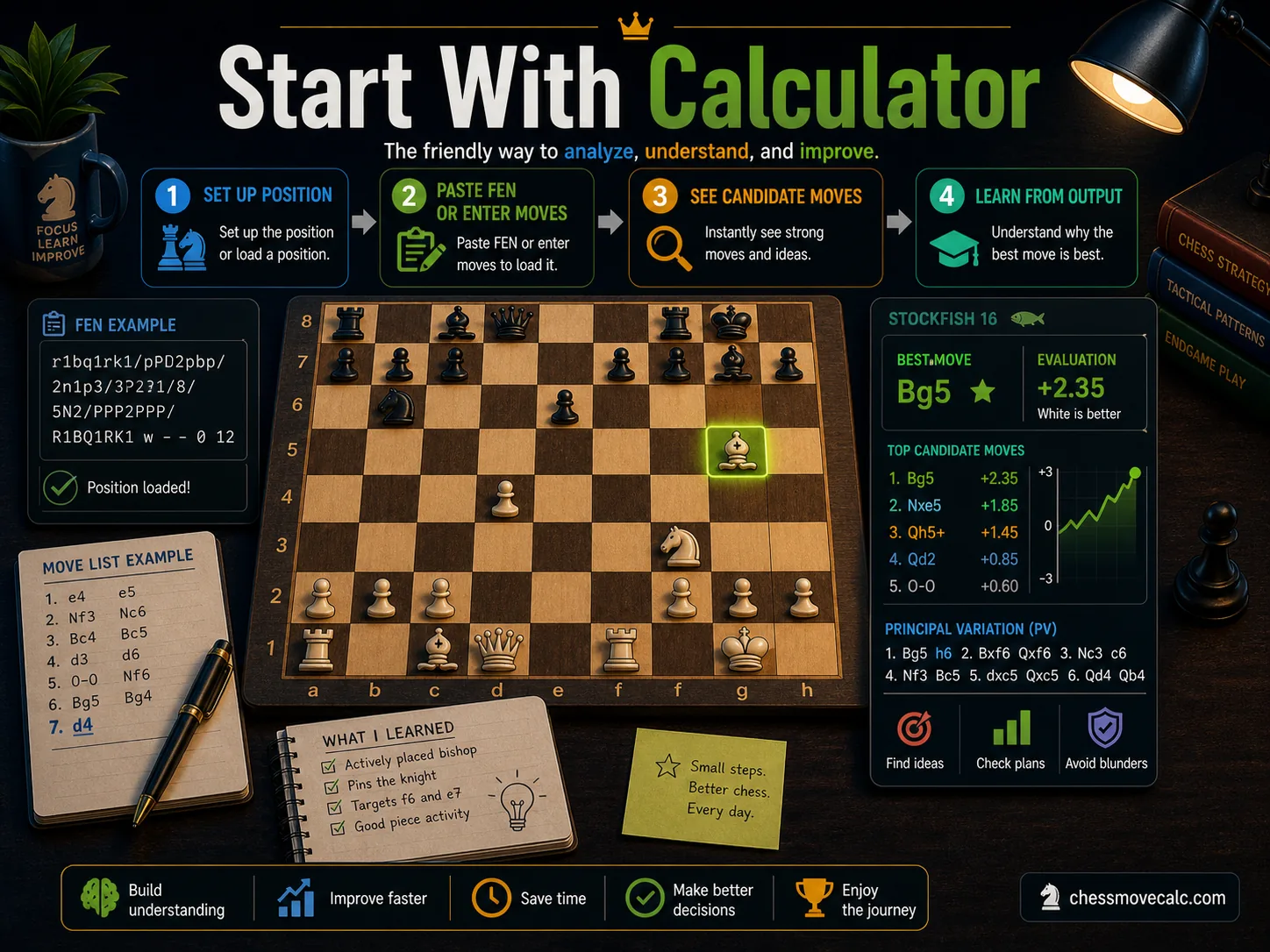
For most users, the calculator is the right front door because it turns engine power into immediate clarity.
Why most players start with a calculator and when to go deeper
If you are a typical user, the calculator is the correct starting point. It gives you one position, one question, one answer path. That is simpler than starting with abstract engine documentation or an overloaded analysis interface. It is also a better match for the way people actually search: they want fast help, visible board input, and a clear move recommendation.
Once you have that foundation, you can move deeper. After solving a position, compare the engine's principal variation. After finishing a game, move into PGN-based review. After encountering notation issues, use the converter. The stack becomes clearer once you stop treating every task as “I need a solver” and start thinking “I need the right tool for this exact step.”
That is the philosophy behind ChessMoveCalc as a cluster. The homepage handles position solving. The notation converter handles move-format cleanup. The tools page helps you browse everything. The blog then explains how to think, when to trust the output, and how to use those tools without creating dependency or confusion.
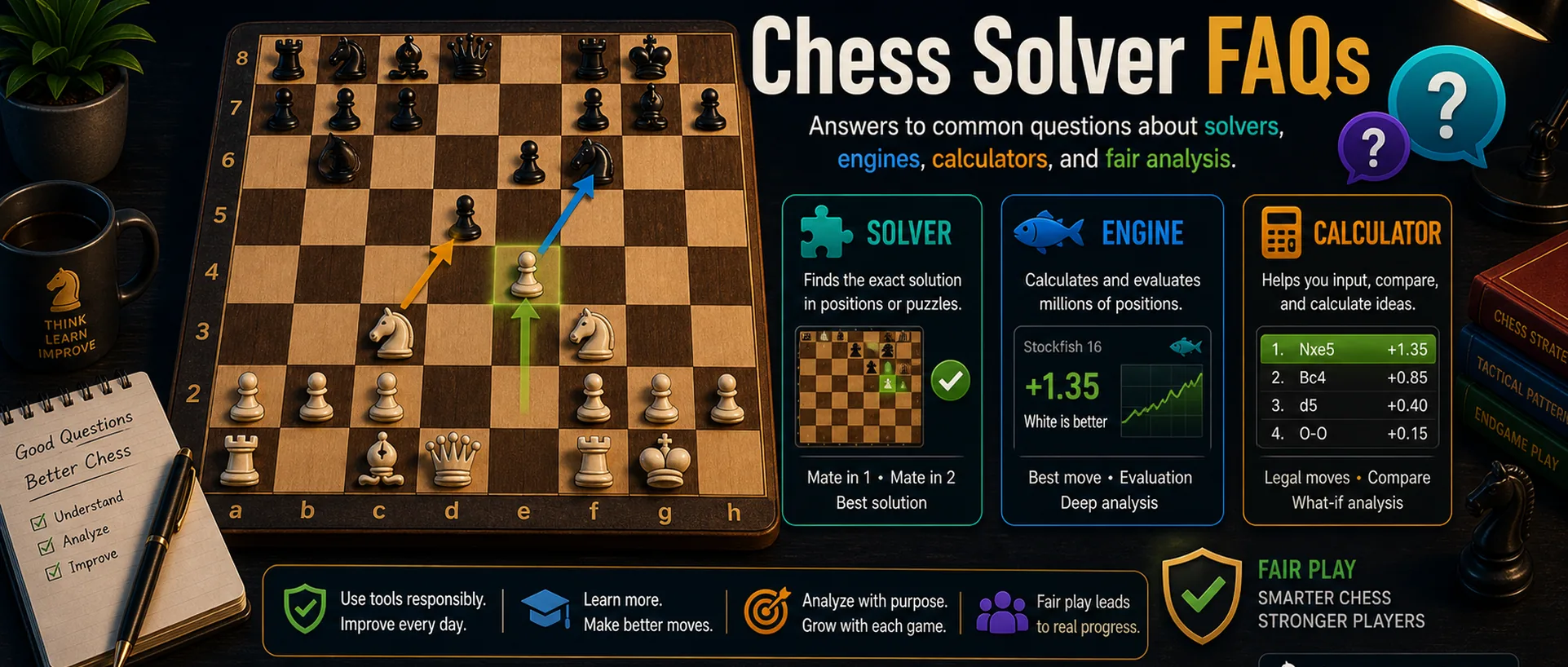
Chess solver FAQs
Is a chess solver the same as Stockfish?
No. Stockfish is a chess engine. A solver is usually the user-facing function of solving a position, and it may or may not be powered by Stockfish under the hood.
What is the easiest tool for beginners?
A chess calculator is usually easiest because it combines board setup, simple input, and readable output without requiring technical knowledge.
Can a chess engine analyze a full game by itself?
The engine provides the analysis, but you still want a workflow that can load PGN, navigate moves, and display the lines clearly. The engine is the brain, not the whole experience.
What is the difference between FEN and PGN input?
FEN describes one position. PGN records an entire game. If you want a best move from one position, FEN is usually enough. If you want move-by-move review, use PGN.
Why do people call calculators “solvers”?
Because users often describe the result they want, not the technical layer behind it. If the tool solves the position, many users simply call it a solver.
Which ChessMoveCalc page should I use first?
Use the homepage if you want a move from one position, the notation converter if you need format cleanup, and the tools page if you want to explore every available chess utility.
Use the right tool for the right chess job
If you want a single best move, go straight to the calculator. If you need notation cleanup or broader tool coverage, jump to the matching page and keep your workflow clean.